
Impos Training Module 2.0
The new training module is here, enabling venues to void training transactions as necessary.
The software is super simple to use:
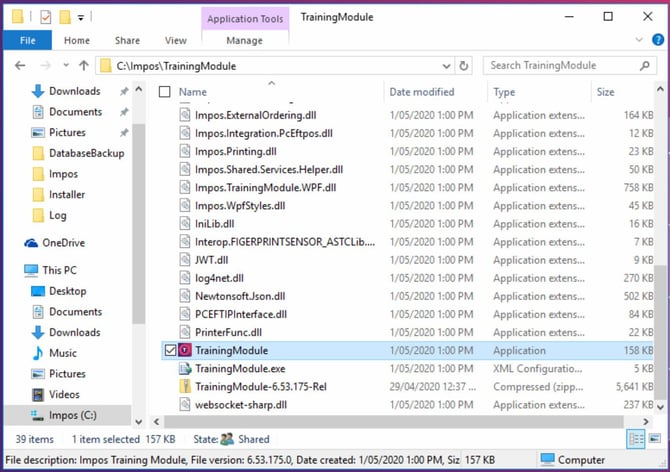
Open the Training Module software.
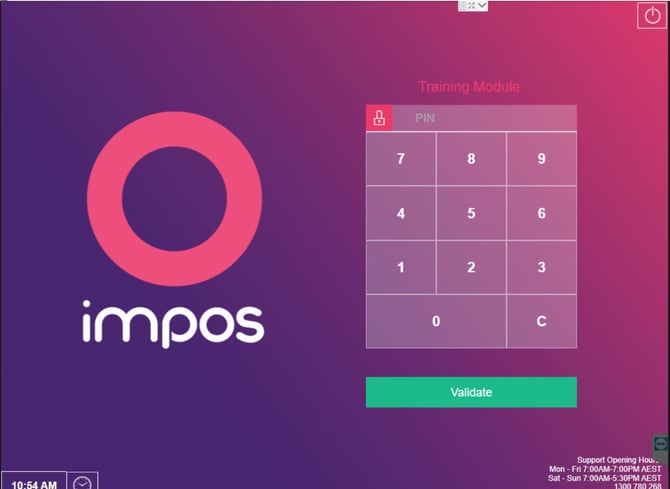
You will be prompted to enter a PIN. This should be different from your Impos password, and kept confidential so that only authorised managers/owners are able to access the software.
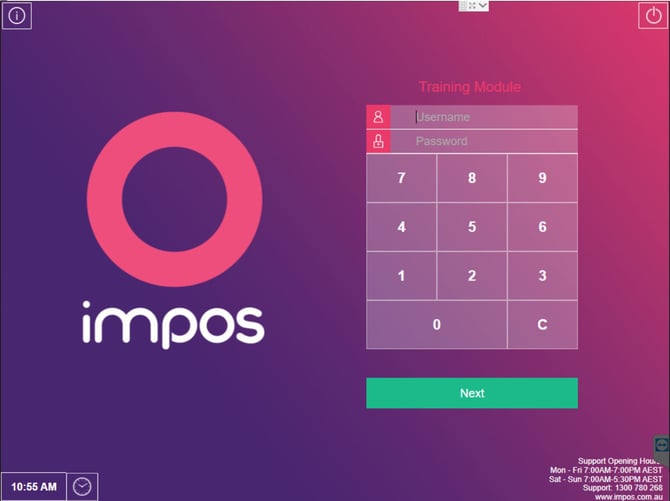
You will then be prompted to log in with your usual Impos login details.
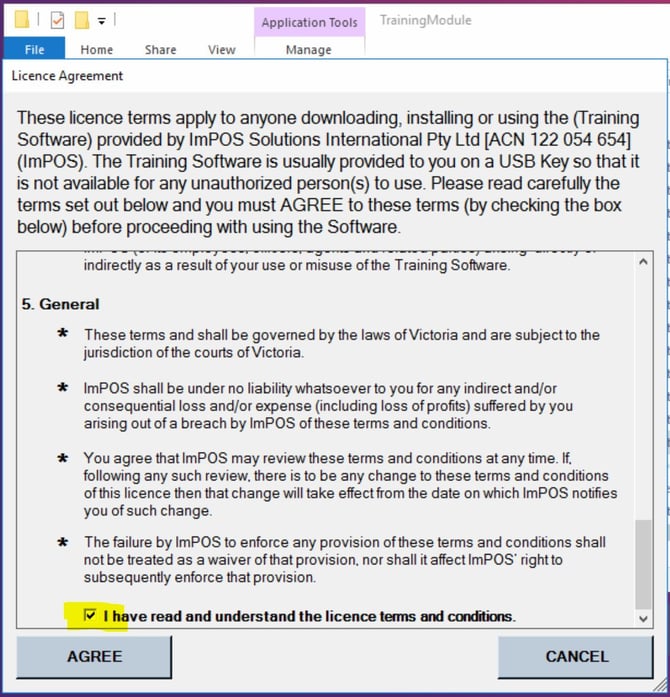
Each time you log in to the software, you will need to agree to the license terms.
Once you are logged in, you will see the main interface screen.
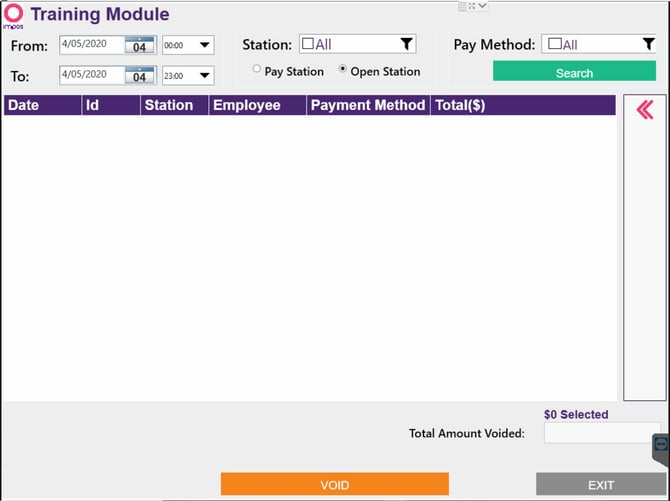
The software itself is very simple. Simply select the date range that the training transactions are in.
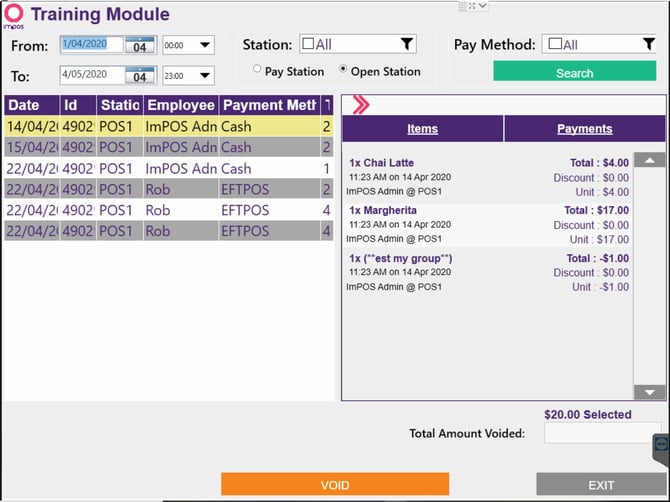
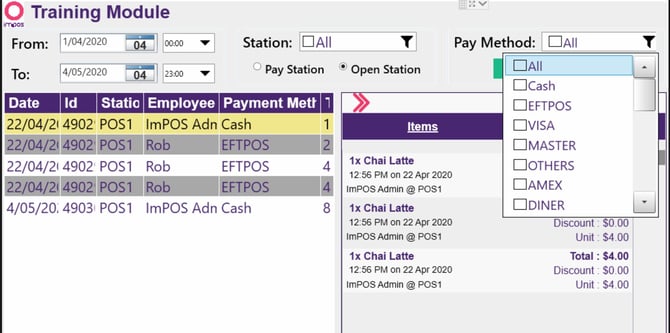
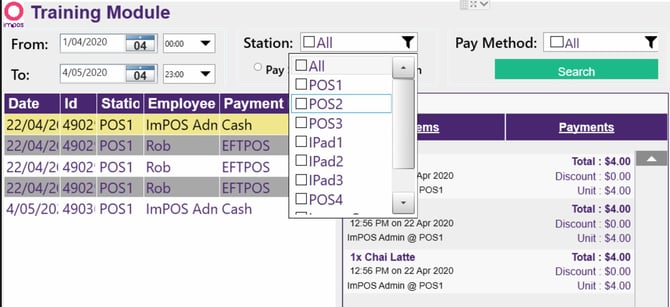
You can also filter by Station and/or Pay Method.
A list of checks within the filtered range will appear on the left-hand side. To see the check details, such as items and payments, you can use the pink double arrow to expand (or reduce) the check item box on the right-hand side of the screen.
Select a check by clicking on the left-hand list. To select multiple checks you can use the CTRL or SHIFT keys on your keyboard.
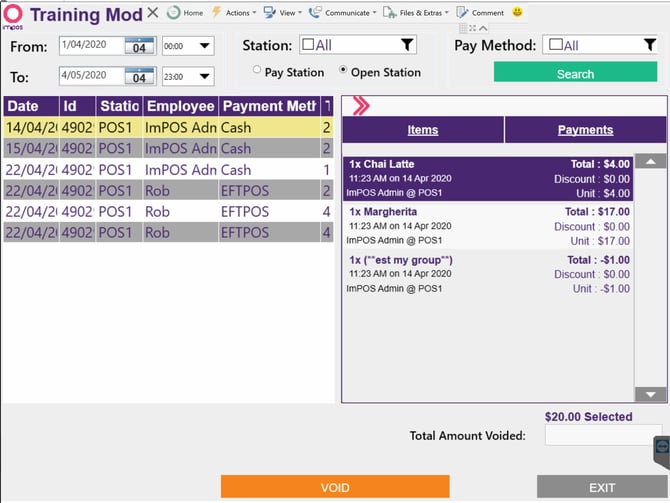
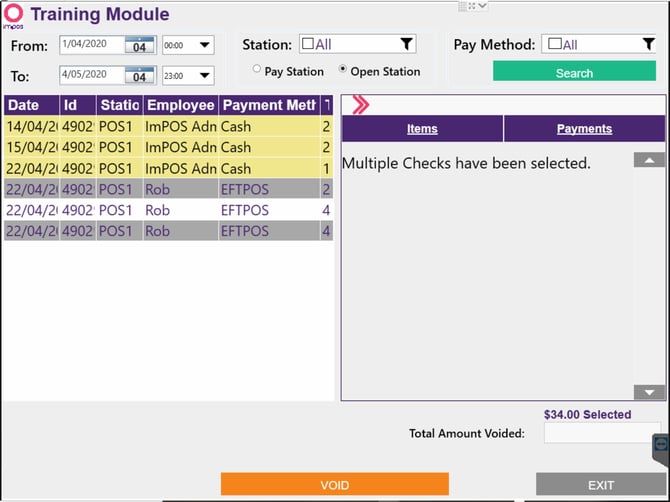
Once you have selected the checks you wish to void in the system, you can click on the orange VOID button at the bottom of the screen.
NOTE: clicking “void” immediately voids the transaction. Please make sure this is your intention before clicking.
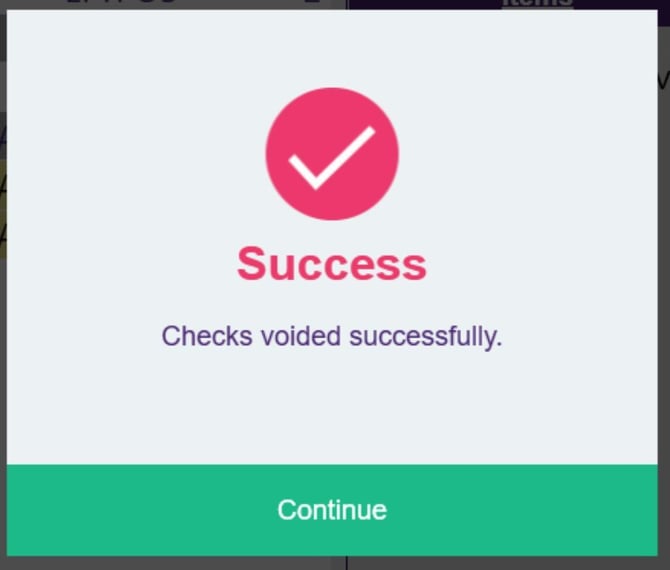
Once you have clicked “VOID” you will see a confirmation message.
Congratulations, you’re done!