To access Impos Connect, open your web browser and enter the address:
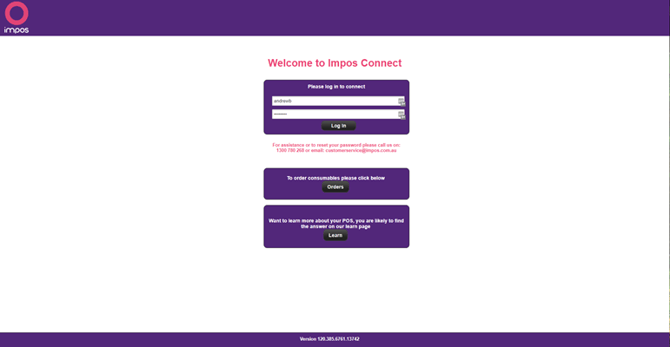
Once on the login screen below, please enter your login credentials provided to you and press login
Once logged in you will be presented with the below:
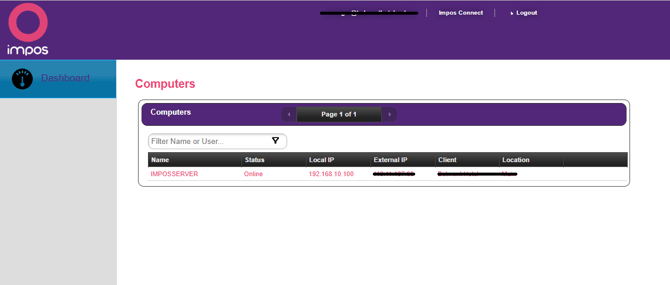
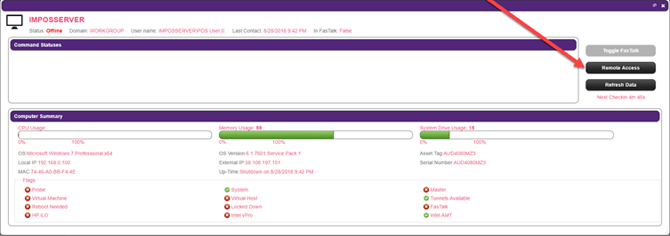
Click on the computer you want to connect to as per below (you will likely only see 1 computer)
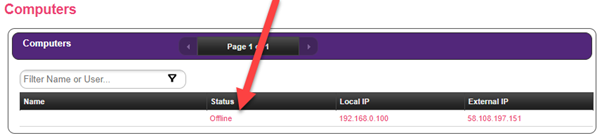
If it says offline like below it will not connect, if this is the case please ensure the computer/server at your venue is turned on or you will be unable to connect
Click on “Remote access”
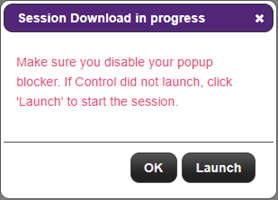
Please ensure popups are enabled (Click here to see how to enable popups)
Click “Launch”
You will be prompted to install an app/plugin called screenconnect the first time, but only the once, It will then show the below
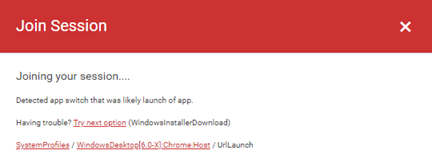
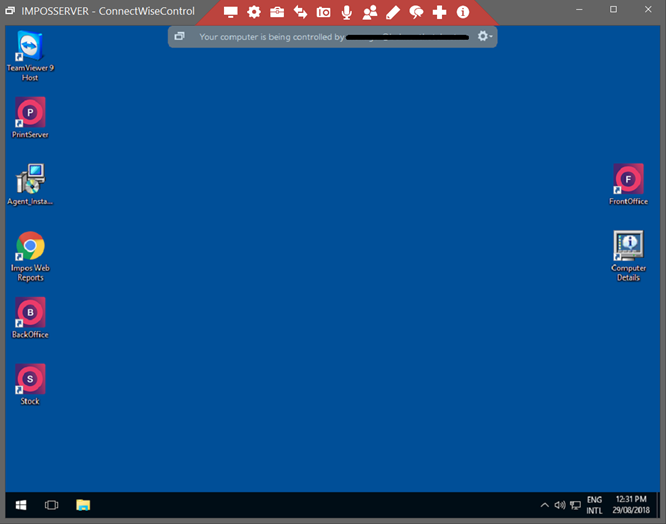
Then the remote session will launch